Options for Extra Jaguar Output
The options available in the Output tab of the Jaguar panel under Extra detail to be written to output file are described in the topics listed below. These options are presented as a list, from which you can select multiple items with the SHIFT and CTRL keys.
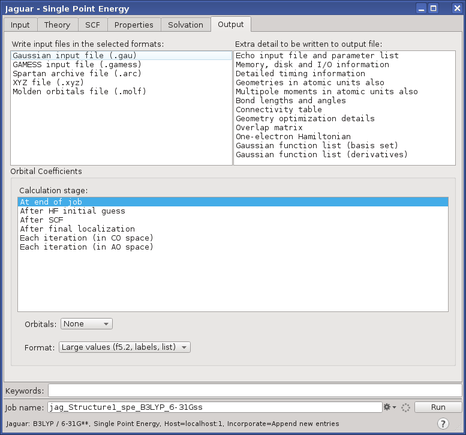
The output generated from these options appears in the output file for the job. If you make a non-default setting, the output from the program pre prints the non-default options chosen. This output appears above the molecular geometry output from pre, and gives the non-default values of the keywords referred to in the footnotes.