2D Sketcher Right-click Menus
You can right-click on an atom or bond to access a context menu to perform various actions. If you have a trackpad, you can generally access the context menu by pressing on the trackpad with two fingers, rather than one.
Atom Right-click Menu
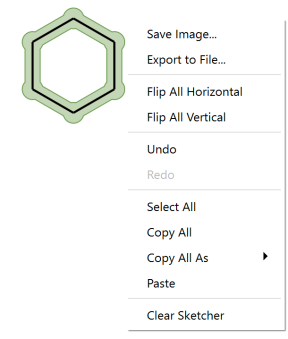
Right-click with no selection or with the entire structure selected in the drawing area to open a context menu. The options are:
|
|
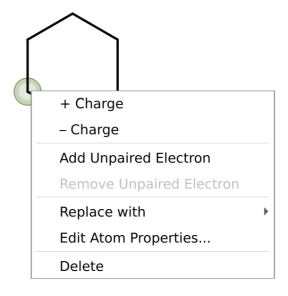
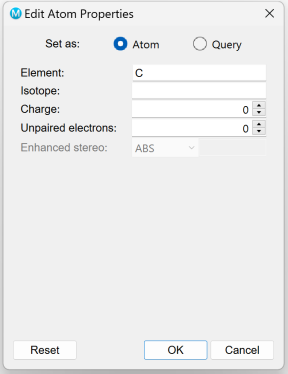
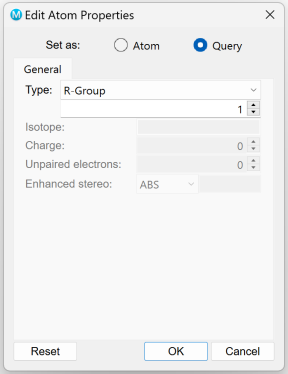
Right-click on an atom in the drawing area to open a context menu. The options are:
|
|
|
|
|
|
|
|
|
Bond Right-click Menu
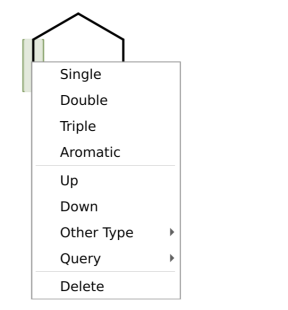
Right-click on a bond in the drawing area to open a context menu. The options are:
|
|
Flip substiuent Flip substiuent is not activated by default. |
Atom and Bond Right-click Menu
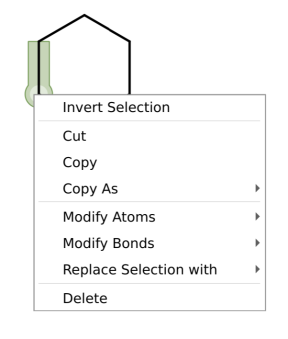
Right-click on a selection that includes both atoms and bonds to open a context menu. The options are:
|
|
|